Skip to content
VA Automation Lab

VA Automation Lab

AI‑Powered Automation & Productivity for Virtual Assistants

  • Home
  • Resources
  • Blog
  • About

Beginner Guide

Best Tools for Virtual Assistants in 2026: The Complete Comparison Guide
July 30, 2026April 15, 2026 by Alex Stratton
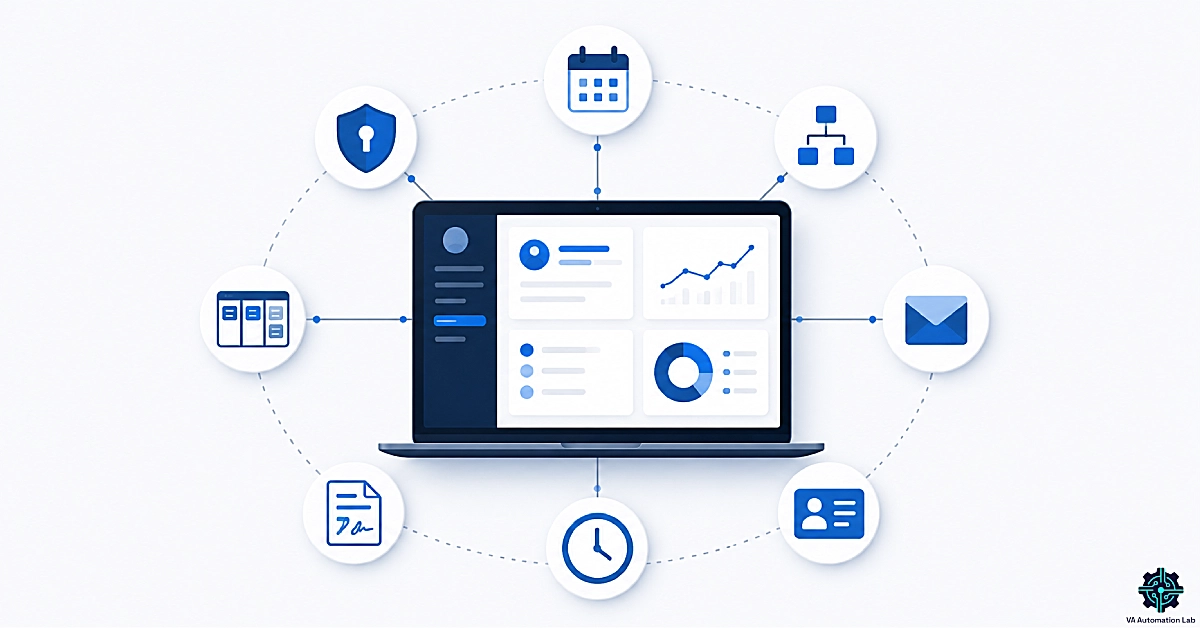
llustration of a complete virtual assistant software toolkit showing scheduling, automation, CRM, email management, project management, time tracking, contracts, and security tools connected within a centralized productivity system.

Looking for the best tools for virtual assistants? Compare the top VA software for scheduling, automation, CRM, email management, project management, and client workflows. Includes verified pricing, free plans, expert recommendations, and complete tool stacks for every experience level.
Categories Comparisons & Best Tools Tags AI tools, Beginner Guide, Comparisons

Make for Virtual Assistants: The Beginner Setup Guide (2026)

June 29, 2026March 23, 2026 by Alex Stratton
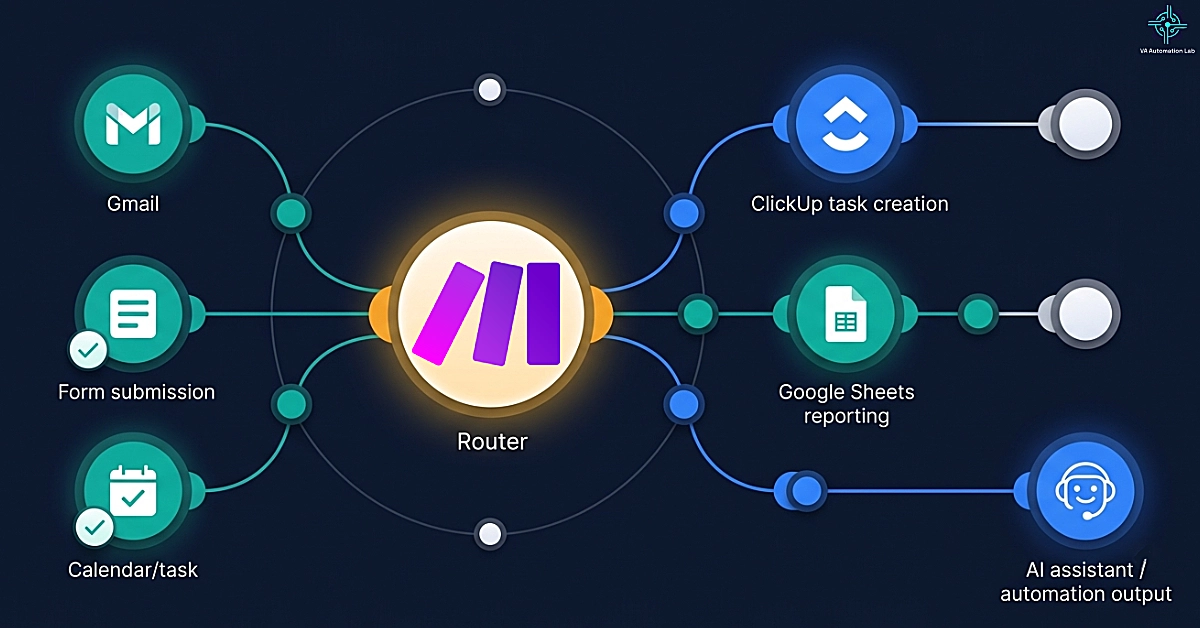
Make automation workflow for virtual assistants showing a central Router branching email, forms, tasks, reporting, and AI-powered business processes across connected apps

Learn how to use Make for virtual assistants with this beginner-friendly setup guide. Discover core concepts, workspace configuration, and five ready-to-use automation workflows for client onboarding, reporting, task management, content scheduling, and AI-powered operations.

Categories Automation & Workflows Tags Automation, Beginner Guide, Make

How to Automate Repetitive Tasks as a Virtual Assistant (2026 Guide)

July 9, 2026January 31, 2026 by Alex Stratton
Minimalist workflow automation illustration showing repetitive virtual assistant tasks such as email management, scheduling, CRM updates, and social media activities being transformed into an organized automated workflow through a centralized automation system.

How can virtual assistants automate repetitive tasks without coding? This guide covers the best workflow automation tools, AI-powered systems, and practical automation workflows to streamline email management, scheduling, CRM updates, social media, and other recurring client tasks.

Categories Automation & Workflows Tags Automation, Beginner Guide, Workflows

How to Start Using AI as a Virtual Assistant (Without Technical Skills)

July 15, 2026January 28, 2026 by Alex Stratton
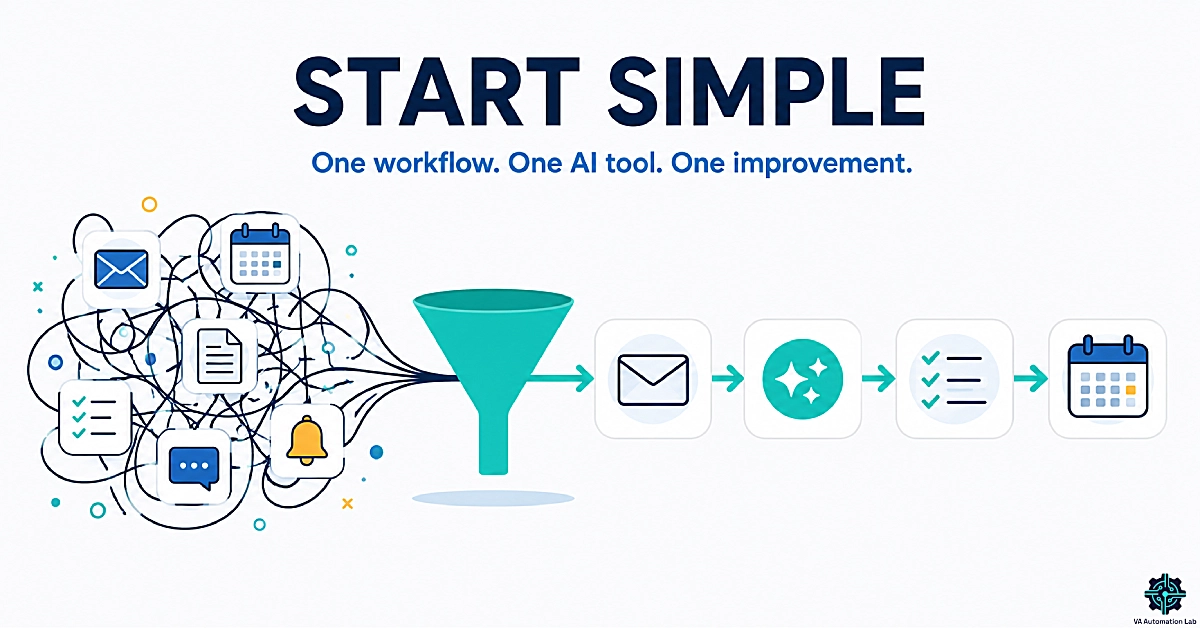
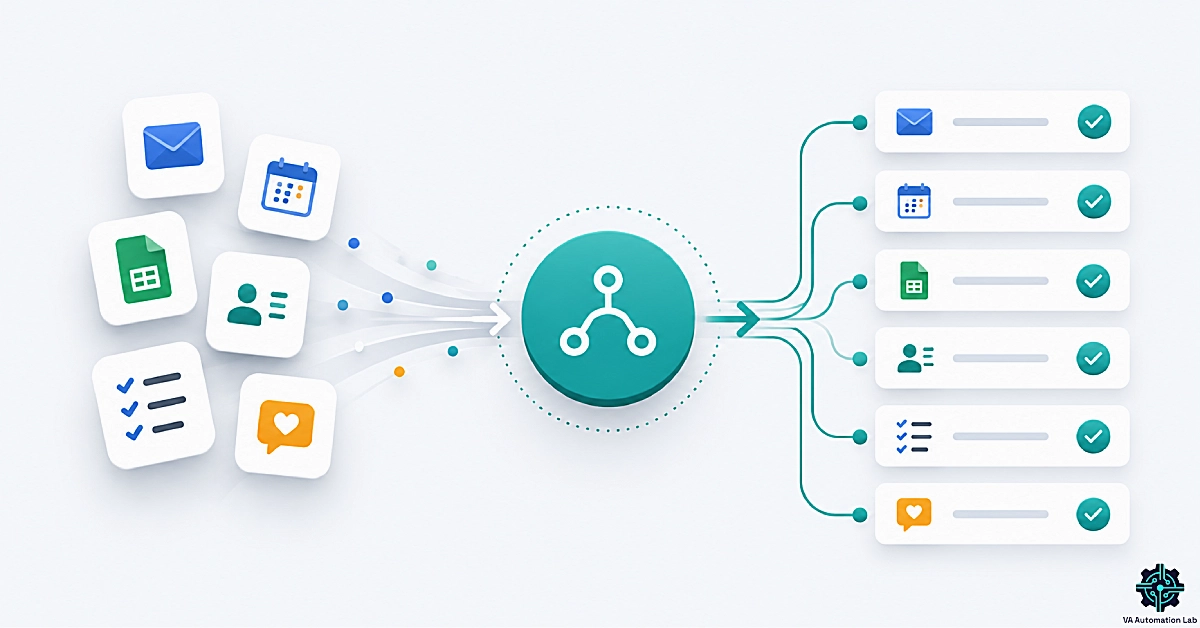
Minimal infographic showing how beginner virtual assistants can simplify AI adoption by turning multiple disconnected tasks into a structured workflow using email, AI assistance, task management, and scheduling tools.

Discover how virtual assistants can start using AI without technical skills. Learn a simple framework, beginner-friendly tools, and practical workflows that save time without adding complexity.

Categories AI Tools for Virtual Assistants Tags AI tools, Automation, Beginner Guide

AI Tools for Virtual Assistants: The Complete Stack Guide (2026)

July 30, 2026January 21, 2026 by Alex Stratton
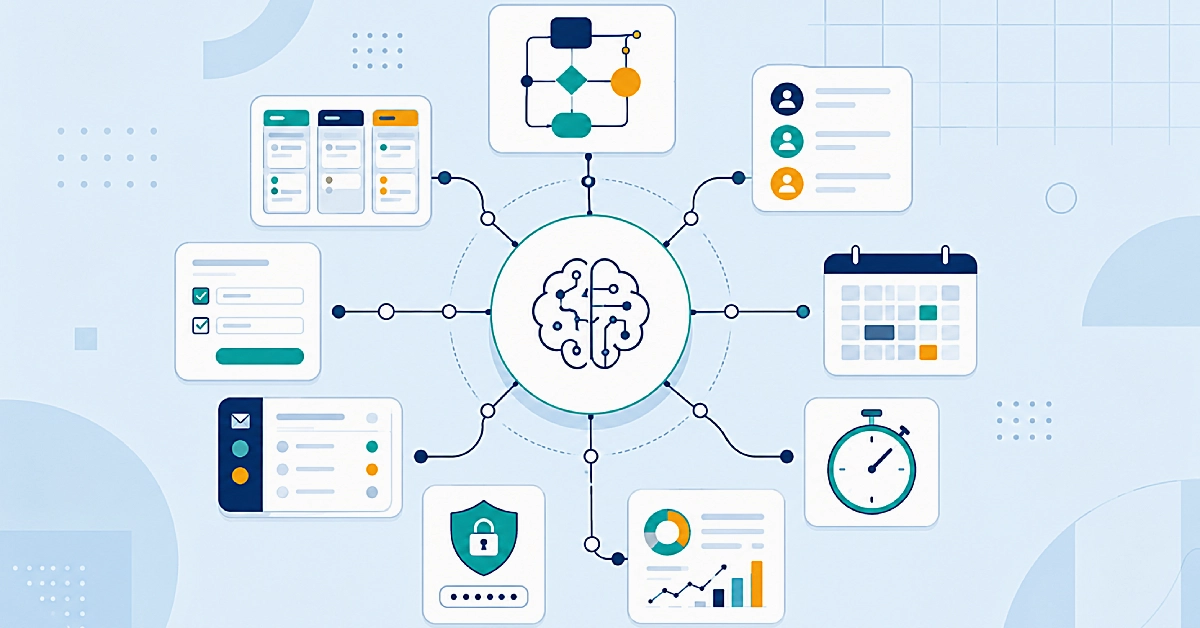
Illustration of an AI-powered virtual assistant workflow ecosystem connecting automation, project management, CRM, scheduling, email management, reporting, time tracking, onboarding, and security tools.

Discover the best tools for virtual assistants to automate workflows, manage clients, improve productivity, and build a scalable VA business in 2026.

Categories AI Tools for Virtual Assistants Tags AI tools, Automation, Beginner Guide

About the Author

About VA Automation Lab — Portrait of Alex Stratton, AI tools and automation specialist

Alex Stratton writes about AI tools, automation, and productivity for Virtual Assistants. His focus is on practical solutions that improve daily workflows without technical complexity. → About

Categories

  • AI Tools for Virtual Assistants
  • AI Writing & Content Tools
  • Automation & Workflows
  • Client Management & Operations
  • Comparisons & Best Tools
  • Productivity & Time Management

Essential Guides

  • Tools for Virtual Assistants: The Complete AI Systems & Software Guide
  • AI Writing & Content Creation for Virtual Assistants: The Complete Guide
  • Automation for Virtual Assistants: The Complete Guide
  • Client Management Systems for Virtual Assistants: The Complete Guide
  • Best Tools for Virtual Assistants in 2026: The Complete Comparison Guide
  • Productivity Systems for Virtual Assistants: The Complete Guide

Get the Free Toolkit

👉 Download the Free Toolkit

AI-Powered Automation & Productivity for Virtual Assistants

  • Privacy Policy
  • Cookie Policy
  • Affiliate Disclosure
  • Terms & Conditions
  • Contact
© 2026 VA Automation Lab • Built with GeneratePress
Manage Consent
To provide the best experiences, we use technologies like cookies to store and/or access device information. Consenting to these technologies will allow us to process data such as browsing behavior or unique IDs on this site. Not consenting or withdrawing consent, may adversely affect certain features and functions.
Functional Always active
The technical storage or access is strictly necessary for the legitimate purpose of enabling the use of a specific service explicitly requested by the subscriber or user, or for the sole purpose of carrying out the transmission of a communication over an electronic communications network.
Preferences
The technical storage or access is necessary for the legitimate purpose of storing preferences that are not requested by the subscriber or user.
Statistics
The technical storage or access that is used exclusively for statistical purposes. The technical storage or access that is used exclusively for anonymous statistical purposes. Without a subpoena, voluntary compliance on the part of your Internet Service Provider, or additional records from a third party, information stored or retrieved for this purpose alone cannot usually be used to identify you.
Marketing
The technical storage or access is required to create user profiles to send advertising, or to track the user on a website or across several websites for similar marketing purposes.
  • Manage options
  • Manage services
  • Manage {vendor_count} vendors
  • Read more about these purposes
View preferences
  • {title}
  • {title}
  • {title}