
Free AI Starter Toolkit for Virtual Assistants (2026)
Save Hours Every Week as a Virtual Assistant — Starting Today
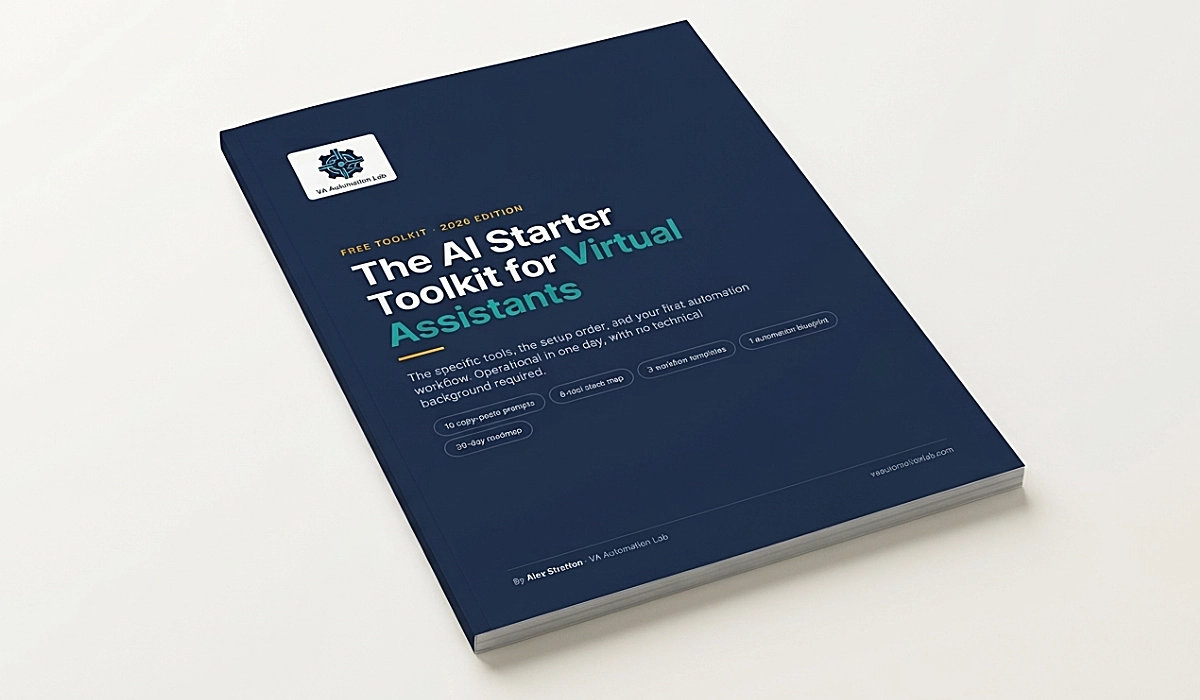
The free AI Starter Toolkit for Virtual Assistants includes the specific tools, the setup order, and the first automation workflow to build. Operational in one day, with no technical background required. Most AI guides explain what AI can do. This one tells you which tool to open, what to type into it, and what to build first.
What’s Inside the AI Starter Toolkit for Virtual Assistants
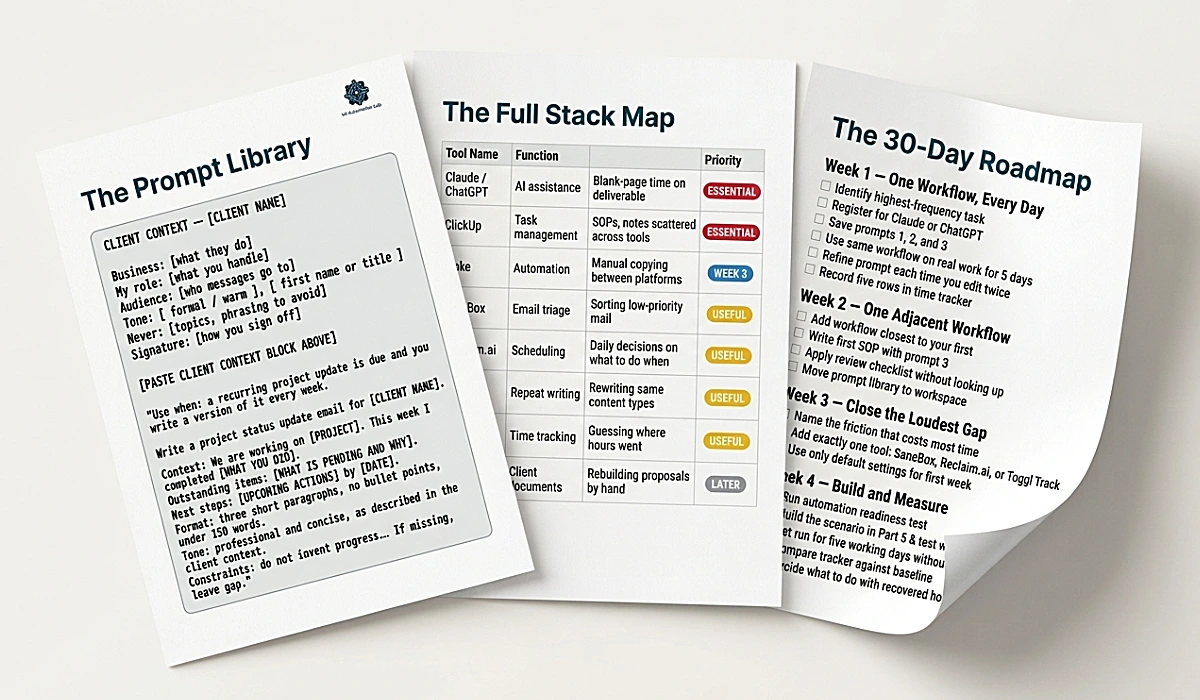
10 copy-paste prompts. Client update emails, meeting summaries, SOP drafts, inbox triage, overdue follow-ups, weekly reports, social captions, research briefs. Fill in the brackets and run them.
The 8-tool stack map. Which tool covers which workflow, in what priority order, and which four categories to skip entirely in your first 60 days.
A 90-minute first session. Five steps that end with one real client deliverable produced with AI, not a tutorial you file away.
3 workflow templates. Email reply, meeting to summary, weekly client report — each with the steps, who does what, and the time benchmark.
1 automation blueprint. A three-module scenario in Make, with the exact settings, the test procedure, and the five things that break it.
A 30-day roadmap. Week by week, in the order that compounds instead of the order that overwhelms.
What You’ll Have by Tomorrow
A client context block written for each of your active clients, which raises the quality of every output you generate after it.
One repeatable prompt you have run on three real tasks, not three hypothetical ones.
A five-point review checklist that keeps AI output from reaching a client with an invented date in it.
A measured number: how long that task used to take you, and how long it takes now.
Who It’s For
This is built for freelance virtual assistants and solopreneurs supporting one to five clients, handling email, scheduling, admin, content, or CRM work. It assumes no technical background and no paid subscriptions.
It is not built for developers or automation specialists, for agencies running high-volume content production, or for anyone looking for a list of fifty tools to evaluate. There are three tools in it, and reasons to ignore the rest.
Get the toolkit and start today
The fastest way to start using AI as a virtual assistant, without researching every option yourself.
Who Wrote This
Alex Stratton spent the better part of a decade working at the intersection of virtual assistance and operational systems, first as a VA supporting founders and small business owners, then as a workflow consultant. The tools and workflows in this toolkit reflect decisions made repeatedly in real client contexts, where the wrong choice costs hours, not minutes.
Questions Before You Download
Is the AI Starter Toolkit really free?
Yes. No payment, no trial, no credit card. You give an email address and receive a 21-page PDF plus a short email series built around it. You can unsubscribe at any point and keep the toolkit.
What happens after I enter my email?
You receive a confirmation email within a minute, sent by Alex Stratton — VA Automation Lab, with “Confirmation email” in the subject line. Click the button inside it and the download page opens immediately. The toolkit also arrives in your inbox, so you can find it again later.
How many emails will I get?
Five over the first two weeks, each built around one section of the toolkit. After that, a newsletter every two weeks. No daily sending, no tool of the week.
Do I need to pay for any tools to use it?
No. Every tool in the day-one setup has a working free plan, and the toolkit says explicitly which paid tools to avoid while you are starting out.
I have never used AI before. Is this too advanced?
It is built for that starting point. If you have opened ChatGPT once, found the output disappointing, and closed it, the first two sections explain exactly why that happened and what to type instead. The longer version of that ground is covered in How to Start Using AI as a Virtual Assistant.
Where This Fits
The toolkit is the entry point. These six hubs are where each part of it goes deeper.
AI Tools for Virtual Assistants — the complete stack reference across every workflow category.
Automation for Virtual Assistants — no-code workflows for onboarding, intake, scheduling, and reporting.
Productivity Systems for Virtual Assistants — task management, focus frameworks, and time tracking.
Client Management Systems for Virtual Assistants — onboarding, CRM setup, SOPs, and client reporting.
AI Writing & Content Creation for Virtual Assistants — writing tools and content workflows for client deliverables.
Best Tools for Virtual Assistants — side-by-side comparisons across every VA tool category.